
The CAN Log Costs You an Afternoon. CANoli Hands It to Your AI Agent.
A CAN capture holds the answer and no good way to ask for it, so the log becomes an afternoon of scrolling. CANoli is a CAN bus analyzer that speaks MCP, so the agent you already pay for reads the live bus directly.
Co-written with AI assistance from Claude Opus 5.


The answer is in the log, and the log is 400,000 rows
A CAN capture is an unusually honest artifact. Every frame the bus carried is in there, timestamped, in order. Whatever went wrong is on the record.
That is exactly what makes it frustrating. The information is not missing. It is buried in a few hundred thousand rows where every row looks like every other row, and you have no good way to ask a question of it.
So you work it the way everyone works it. You scroll and filter in a spreadsheet. You run search after search for the one frame that matters. You squint at eight hex bytes, trying to remember which nibble was the state machine.
The frame you need is right there the whole time. Finding it is the afternoon.
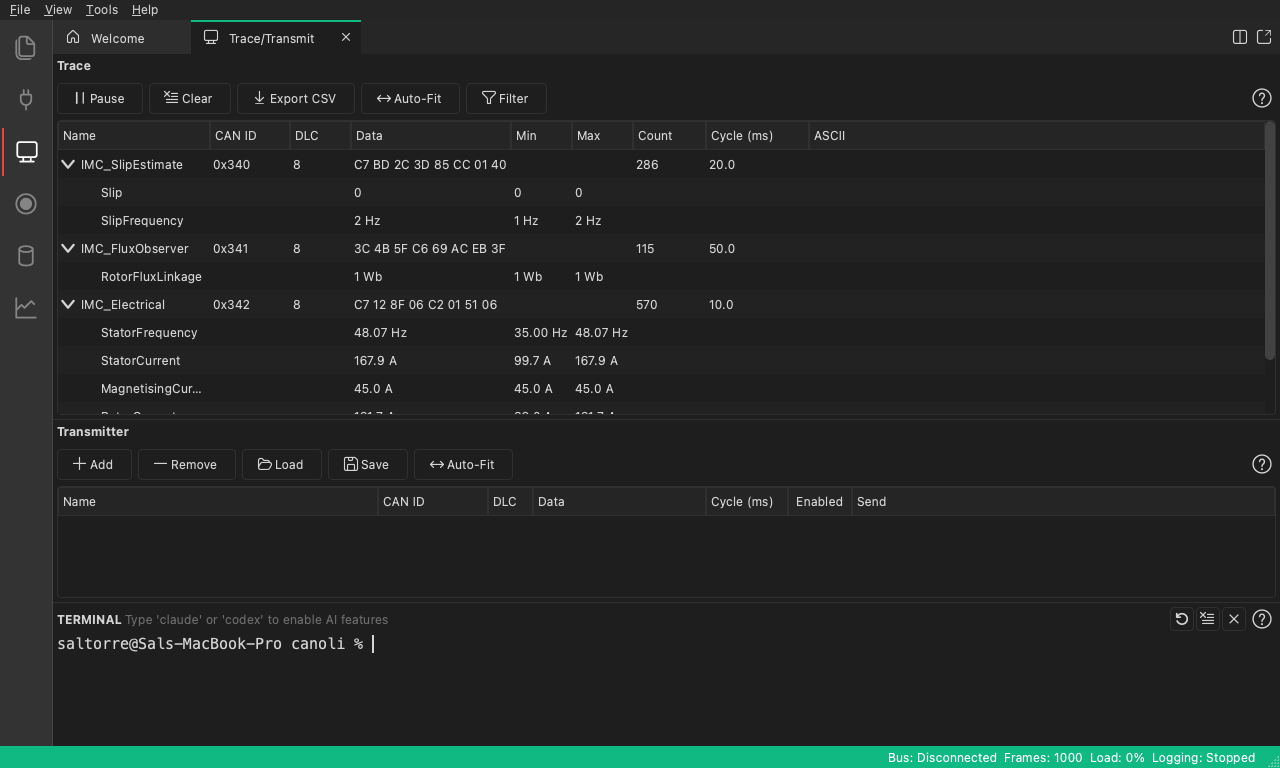
Live traffic, grouped by ID. Every frame the bus carried, and no way to ask it a question.
Reverse engineering makes it worse, because the question changes
Debugging a bus you have a database for is tedious. Reverse engineering one you do not is a different kind of work, because you are not looking up an answer. You are forming a hypothesis, checking it, and forming a new one.
Which byte moves when the pedal moves? Is that counter a rolling sequence or a checksum? Is this one signal or two signals multiplexed into the same ID on alternating frames?
Each question is cheap. There are hundreds of them, and the cost is the loop: form a hypothesis, filter the log, read hex, conclude nothing, repeat. Multiplexed signals are the honest example. Picking them apart by hand is miserable, not because any single step is hard, but because the pattern only appears once you have looked at enough frames to see it.

The goal of every hypothesis: eight hex bytes resolved into named signals with units.
That loop is what a language model is genuinely good at. So of course we tried the obvious thing.
Pasting the capture into a chatbot gets you halfway, then stops
We spent a while reverse engineering a vehicle’s bus by pasting logs into Claude, copying rows back and forth by hand.
It worked better than expected. Claude Sonnet 4.5 recognized that the protocol used CANopen object dictionaries, which would have taken us considerably longer on our own. It untangled multiplexed signals well. The reasoning was not the bottleneck.
The copy-paste was. A chat window gives a model a photograph of the bus: a slice you chose, at a moment you chose, already filtered by the assumption you were trying to test. When the model asks a good follow-up question, the only way to answer it is to go back to the app, run the query yourself, and paste the result. You become the I/O layer between the tool that has the data and the model that can reason about it, and the two are never in the room together.
The model never sees the live bus. It never touches the real database. It cannot chart anything, because it cannot run anything. And a log large enough to be interesting does not fit in a chat window anyway.
The problem was never the model’s reasoning. It was that the model had no hands.
Give the agent the app, not a screenshot of the app
CANoli is a CAN bus analyzer for macOS, Windows, and Linux. It does what you expect a CAN analyzer to do: live trace grouped by ID, a DBC and SYM database editor, transmit (one-shot, cyclic, or a signal driven by a waveform you pick), logging, replay, and charting decoded signals over time.
The part that changes the afternoon is that CANoli exposes all of it as an MCP server. You point an agent you already use at it, Claude Code or Codex or anything else that speaks MCP, and the agent does not answer questions about your bus. It operates CANoli: reading live traffic, searching the log, decoding unknown IDs against the real database, flagging anomalies, and building the chart.
The division of labor is deliberate. Decoding, statistics, and anomaly detection are deterministic CANoli code, because those are the parts a model should not be improvising. The model supplies the language and the reasoning on top of facts the app computed. Asking “what changed right before the fault” stops being twenty minutes of filtering and becomes a question with an answer.
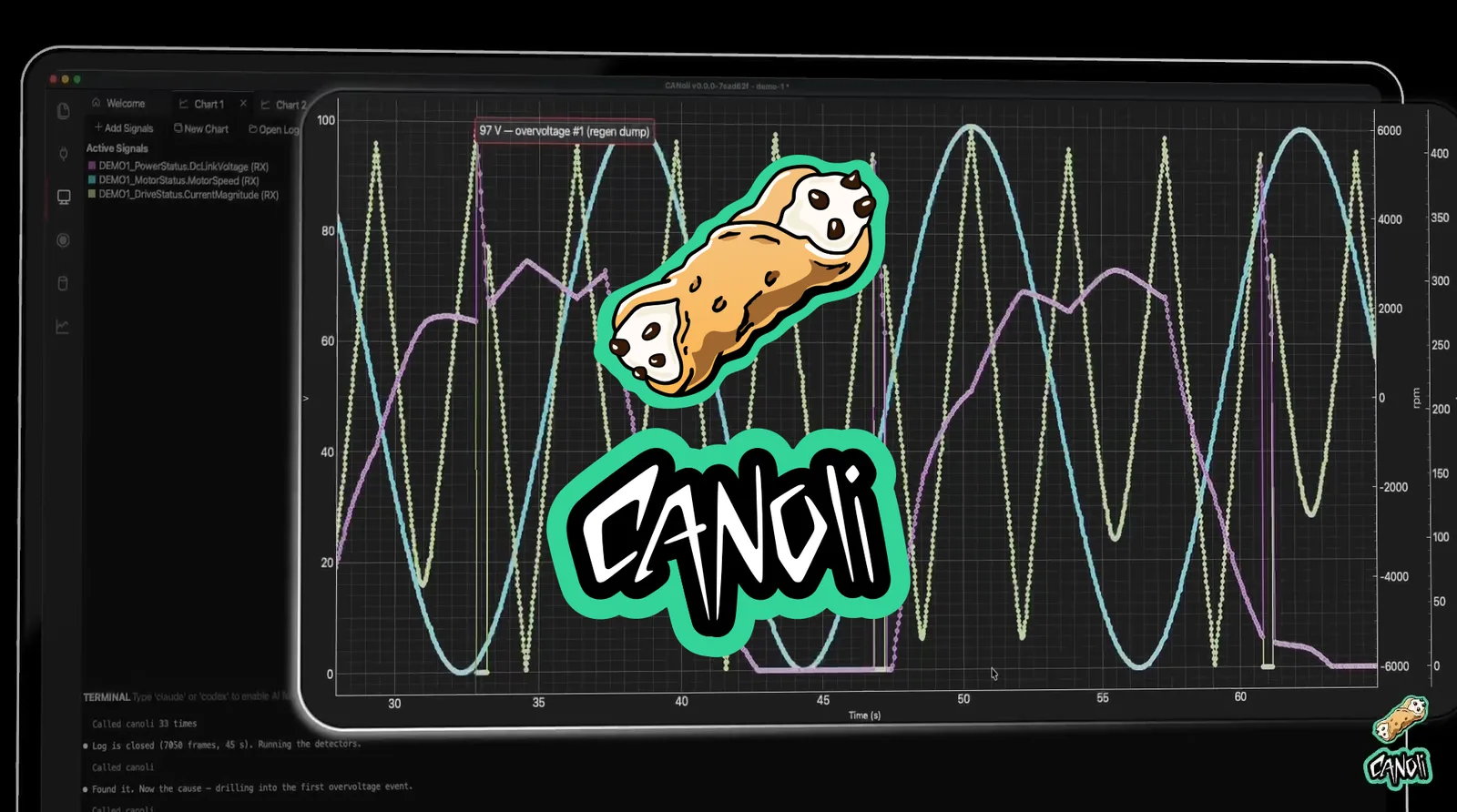
The agent closed the log, ran the detectors, and annotated the first overvoltage event. The chart is the answer, not the starting point.
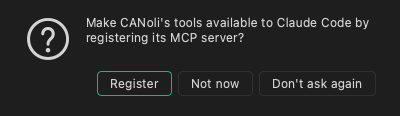
When CANoli sees a supported agent on your machine, it offers to wire it up once and remembers your answer. There is no port to configure. There is also a full terminal inside the app, so the agent runs in the same window as the bus.
Bring your own model, because you are already paying for one
CANoli does not ship a model and does not ask for an API key. That is a pricing decision as much as an architectural one.
Most tools that add AI bundle a model, charge a monthly subscription for the privilege, and mark up the token usage on top. You almost certainly already pay for a capable agent. Renting a second one from us, at a margin, to do work your existing plan already covers is a bad deal, and we would rather not offer it.
So tokens bill to your account at your agent’s normal rate. You pick the model and switch when a better one ships. Your prompts and your bus data go to your agent under your own account, not through our servers. And because the AI features are a bridge rather than the foundation, everything else works without an agent at all. The database editor is free forever, no license or account required.
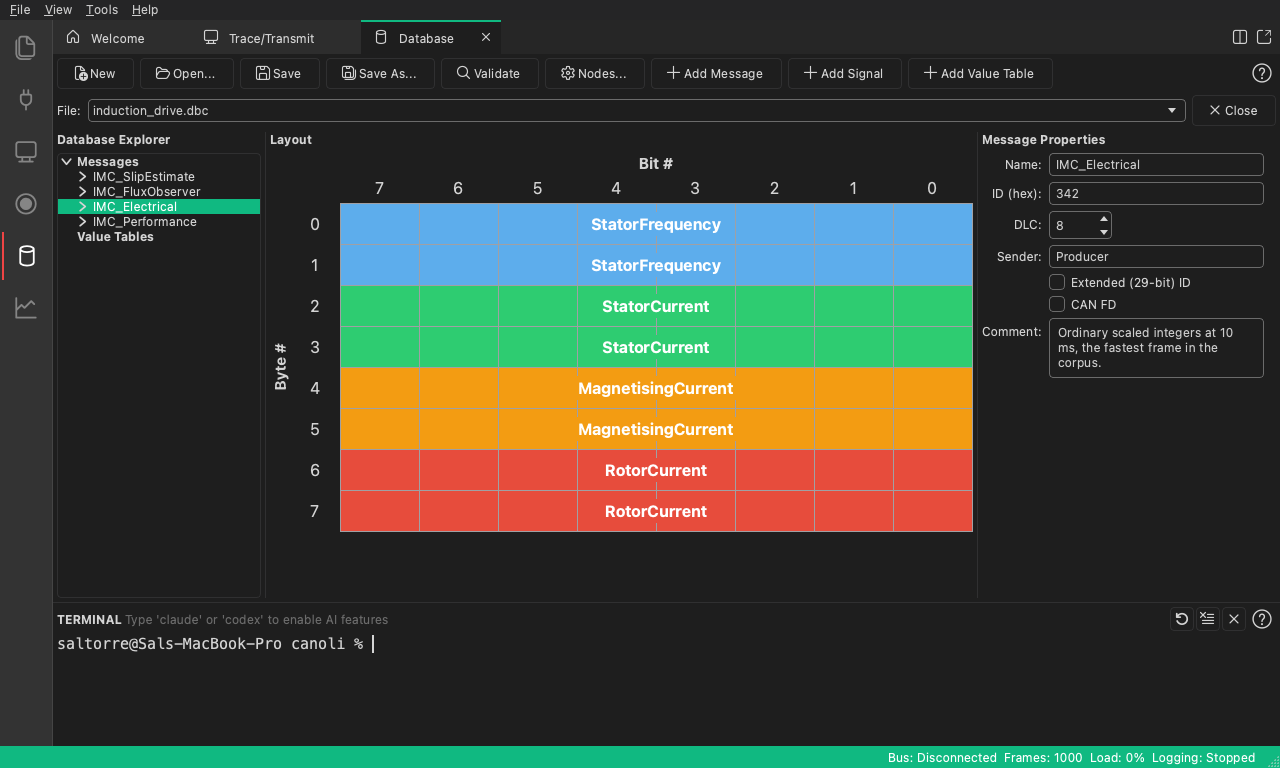
The DBC and SYM editor. Free forever, with or without an agent.
Where it stands
CANoli is in beta and available now. The DBC and SYM editor is free. The full app is a one-time purchase with lifetime upgrades for early buyers, and there is a free trial if you want to point your own agent at your own bus before deciding.
Instrument panel widgets, Python scripting, and J1939 and CANopen support are next.
If you have lost an afternoon to a CAN log recently, that is the afternoon this is meant to give back. Take a look at CANoli.