Evolving Software Development Workflows in the AI Age
A recap of my presentation at FGCU's AI Day on March 12, 2026, how I built a modern software engineering foundation first, then used it as the guardrail system that makes AI-assisted development actually work.
Co-written with AI assistance from Claude Opus 4.6.


On March 12, 2026, I had the opportunity to present at Florida Gulf Coast University’s AI Day. The talk was called “Evolving Software Development Workflows in the AI Age”, a personal journey through nearly two decades of software development that includes cowboy coding, a modern software engineering glow-up, and finally the AI-assisted vibe coding era we’re in now.
I also cover what I think universities should be prioritzing right now to prepare their students for this paradigm shift, because the engineers who will thrive aren’t the ones who refuse AI or the ones who blindly trust it, but the ones who know how to use it effectively.
Here is the video of my presentation. Apologies for almost always standing between the camera and an audience member’s head 😂. You can also download the presentation slides (PDF).
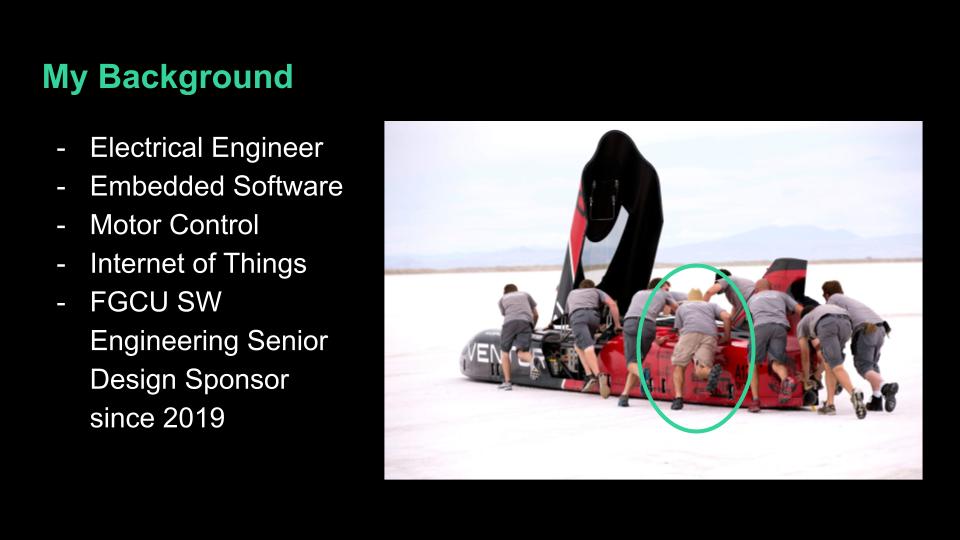
Hi, my name is Sal Torre. I’m an electrical engineer who came into software development through embedded software.
For much of my professional career, I have written bare metal embedded C for motor controllers and power electronics that go on electric vehicles like locomotives, street cars, ferries, mining vehicles, and golf carts.
At my company Spoores, we are developing an Internet of Things platform that includes device embedded software, backend and API software, and mobile app software.
My personal brand, Salvatorre, provides custom electronics solutions in those areas.
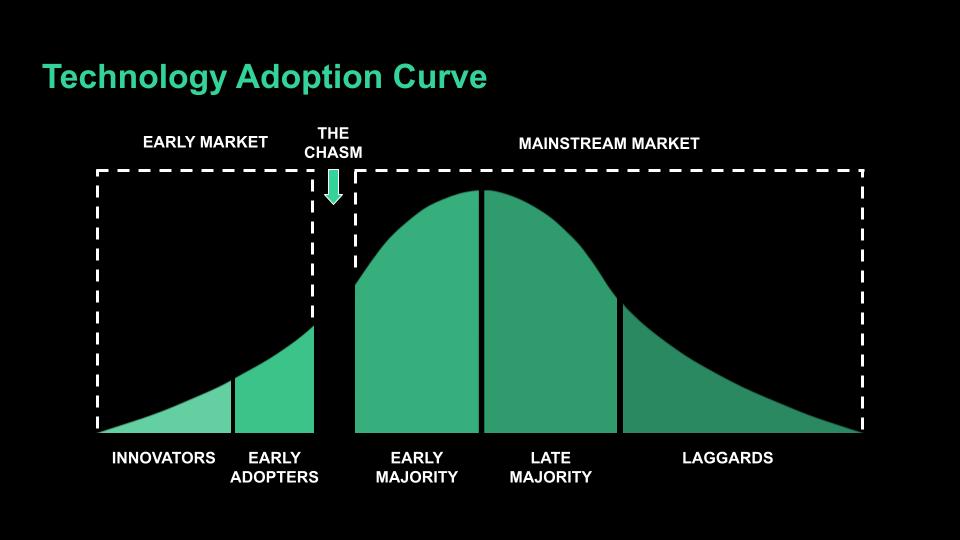
Before I get started, I’d like to show you the technology adoption curve. It describes how people adopt new technology: innovators, early adopters, the early majority, the late majority, and laggards.
Take a moment and find yourself on this curve when it comes to AI coding tools. Be honest with yourself.
I typically fall on the later end of early adopter. I’m not the first guy to try something but once I see it working, I move fast.
If you’re among the earliest adopters, some of what I share today might be old news to you. But if you’re still on the fence or actively resisting AI coding tools, I need to be blunt with you: you are becoming unemployable. The industry is not waiting. Companies are hiring engineers who can leverage AI to do the work of entire teams. If you can’t do that, someone else will, and they’ll do it faster and cheaper than you.
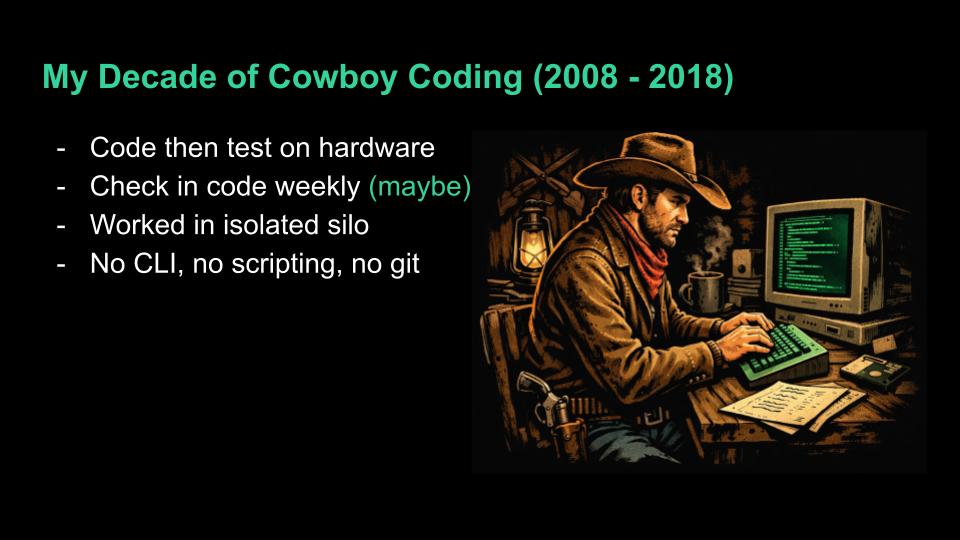
I earned my degrees in Electrical Engineering, not Software Engineering. I was in college from 2002-2008. I learned C++ for a semester, then assembly, and then I picked up embedded C as a senior.
When I made a mistake, I would CTRL+Z my way back to a working version. That could take hours. I stored full copies of my projects in archived folders. Version control existed but I was completely oblivious to it.
In 2012, I was hired to write software professionally and it wasn’t much better. It was the wild west of cowboy coding. I worked in a silo, checked in code on Microsoft SourceSafe once a week maybe, and tested, validated, and verified my code almost entirely by myself.
I only used the IDE as a text editor. I didn’t know how to use the CLI. I didn’t know any kind of scripting. I didn’t start to learn git until around 2018.
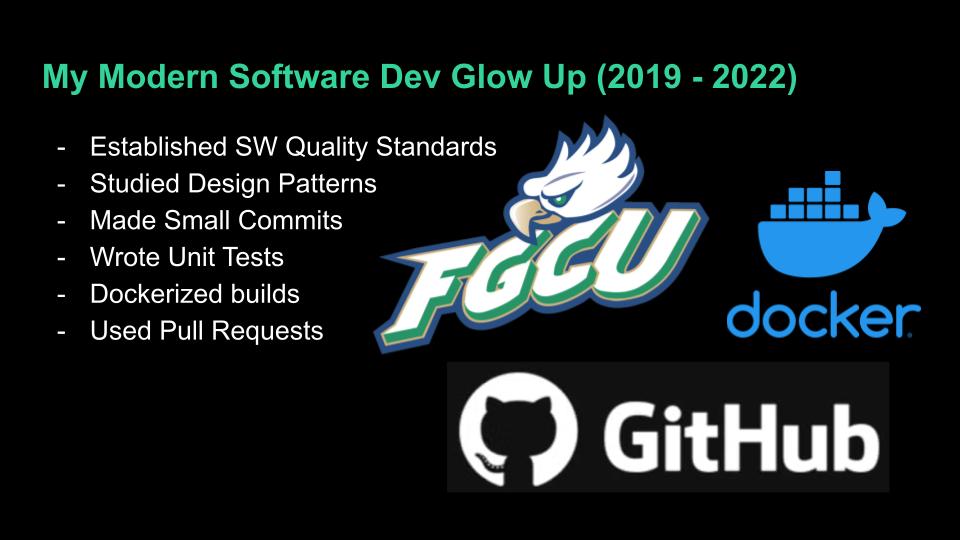
In 2019, I began sponsoring senior design projects with FGCU. We hired a few students from the program and one in particular, Jason Scott, set me on a path to modernize how embedded software should be produced.
After over a decade of coding, I was finally becoming a software engineer.
We developed a coding standard. We adopted GitHub and the GitHub Flow process. We wrote unit tests, automated and dockerized our builds, and measured our progress.
I haven’t mentioned AI once so far. It was still an empty promise that we knew was coming eventually.
I’m so grateful that I got involved with the university when I did because I don’t think I would have been ready for AI otherwise.
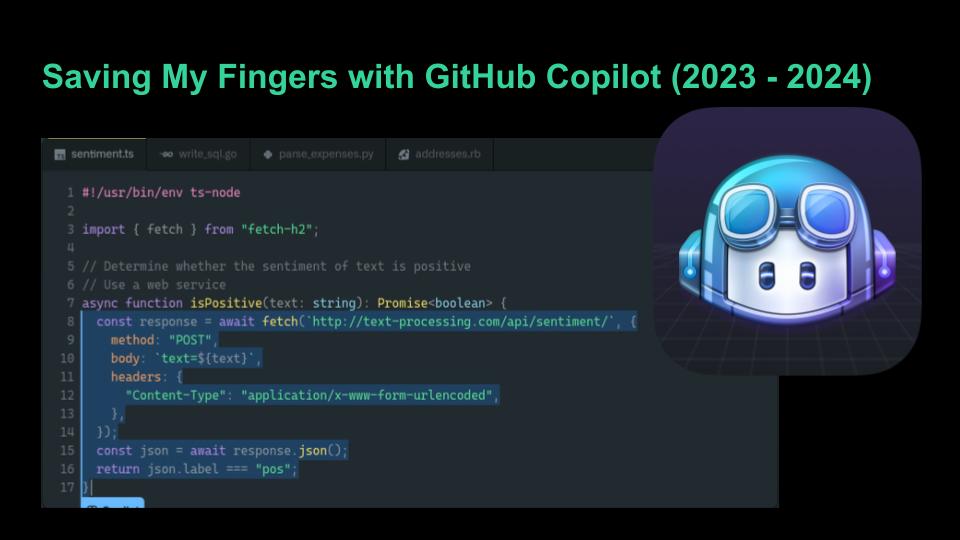
At the end of 2022, ChatGPT came out. By January 2023 I was mesmerized by it. That made me try GitHub Copilot.
I would write code and Copilot would quickly start guessing what I would write next with incredible accuracy.
Tab. Tab. Tab.
I would accept its guesses and make minor changes as needed. Within a month of first using it, I bought the one-year subscription.
My productivity shot up. I was saving my fingers so many keystrokes. I would brag that I felt like I was typing 1/10 of what I used to.
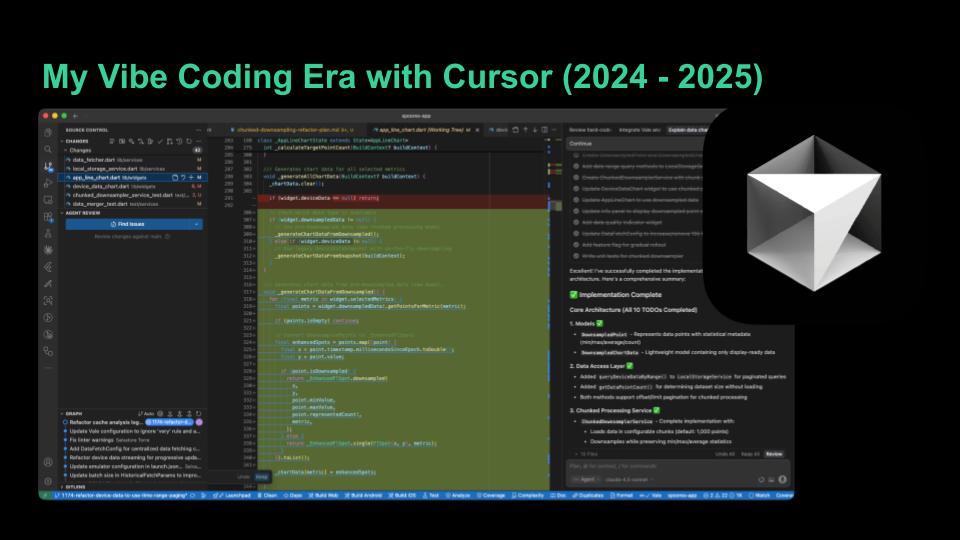
After I heard an engineer compare Copilot and Cursor to a dingy and a cruise ship in October 2024 I knew I needed to try it. But I didn’t try it until February 2025. Remember, I had already paid for a year of Copilot. Lesson learned: don’t buy annual subscriptions right now. The tooling is changing too fast.
Cursor was a massive leap from Copilot. Copilot suggested code as you typed. Cursor creates and edits multiple files at once from a chat prompt. You describe what you want and it builds it. I stopped writing code. I entered my vibe coding era.
My workflow became: plan each feature interactively in a markdown document with the AI, then have it implement the plan across the codebase. Iterate. Iterate. Iterate.
By the summer I was paying the $200/mo subscription but felt like I was doing the work of a whole team of engineers that would have cost tens of thousands each month. If I wasn’t producing code faster, I was producing more mature features. Last year I worked over 500 issues across Flutter/Dart, Python, bash scripting, TypeScript, and embedded C.
The models themselves were also evolving constantly. Early on I planned features with Gemini 2.5 and implemented with Claude Sonnet 3. By the end of the year I was only using Sonnet 4.5.
Every few months a better model came out and my results improved with it. This is why you shouldn’t carve your opinions about AI in stone. What didn’t work last quarter might work great today.
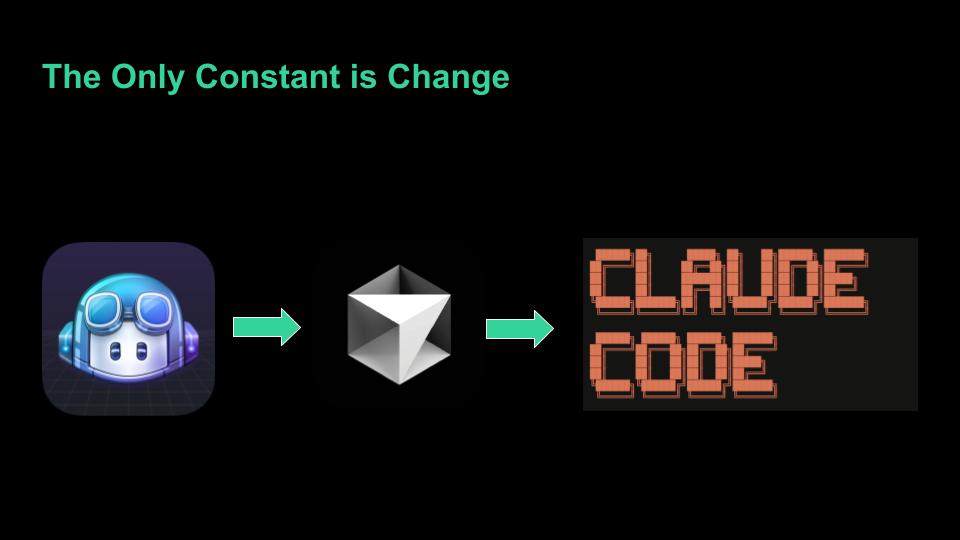
In three years I’ve gone from Copilot to Cursor to Claude Code. Each one made the last one feel obsolete. And I have no illusion that what I’m using today will be what I’m using a year from now.
I’m currently using Claude Code, a CLI-based tool from Anthropic. It’s half the price of Cursor and I can continue my work from my phone. Think about that. I can review and direct AI-generated code from anywhere.
In January, I completely revamped a WordPress website into an Astro framework in a couple of days: blog, gallery, service pages, an AI-powered project discovery wizard. All vibe-coded. I didn’t even have to learn TypeScript to produce it.
What’s next? Multi-agent development. Dispatching multiple AI agents to work multiple issues in parallel: a planner, a tester, a reviewer, a developer. I haven’t had much success with it yet. Vibe coding still requires significant human interaction. But I suspect it won’t be long before I can handle multiple agents.
The tools change every few months. The models improve every few months. If you locked in your opinion of AI coding a year ago, it’s already outdated.
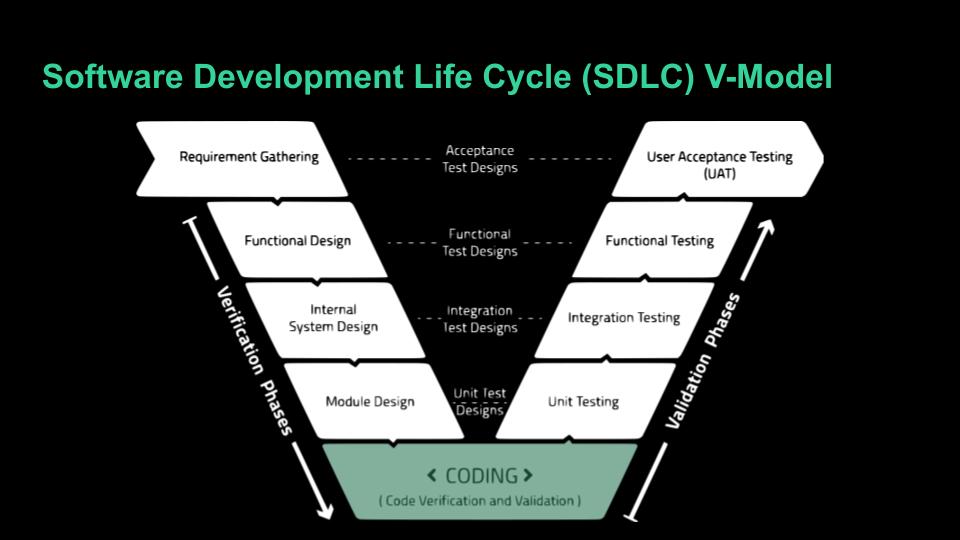
So if writing code is largely now replaced by AI, what is there left for a human to do? Is there no need for software engineers anymore?
I present you with the Software Development Life Cycle V-Model. Coding is just the bottom of the V.
Our work will continue but in shepherding the project through the V-model process, and yes, each of those steps will be assisted by AI.
What I do now is decide what I am going to build and, at least for now, I need the technical knowledge to know, or at least kinda know, how it should be built. I use AI as a tool to complete each of these steps.
Software Development is much more than coding.
The fun part is, much of the aggravating, head-slamming troubleshooting of syntax errors and implementation is abstracted now. You can just build cool stuff.
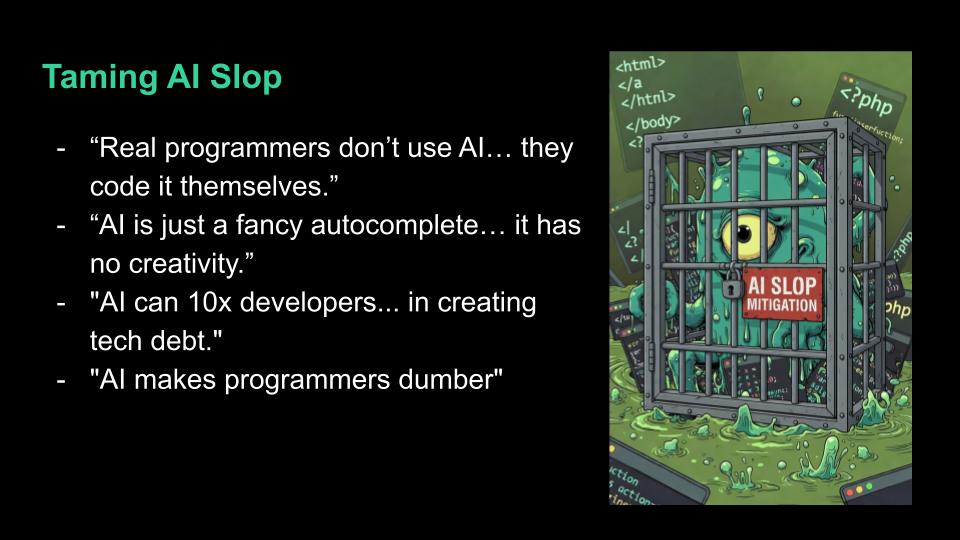
I still see posts to this day and debate with engineers about the use of AI in software development. There are still many disbelievers.
I’ve showed you that I no longer write code. I would have been embarrassed to admit this early last year. When I interviewed some students in August they were reluctant to admit that they used AI at all. It is very taboo.
Many of us software engineers have made being the smart guy in the room our entire personality and that has come under threat.
Yet here I am, at a university nonetheless, basically proclaiming that you don’t need to learn software languages anymore to produce software. Heresy!
Still, the big gripe is real: AI-generated code can be trash. So now I’d like to show you how I tame the AI slop monster and how I would like to see curriculum adjusted to better prepare future engineers for this paradigm shift.
It starts with git. I’ve found through working with student groups since 2019 that git is just something students are expected to pick up on their own.
I believe it should be a central role in the curriculum that is reinforced in most software engineering courses.
You will vibe code some slop quite often, but perhaps less and less in the coming years, so you really need to use git’s branching to protect slop from infiltrating the main branch.
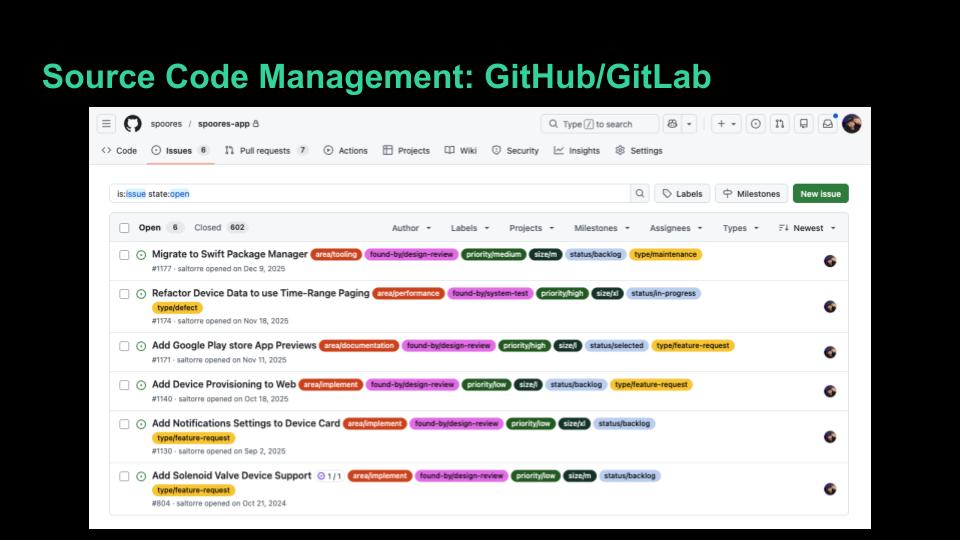
Next is a source code management platform like GitHub or GitLab to organize and protect code.
Use issues, projects, pull/merge requests, and actions to manage how the software will be developed.
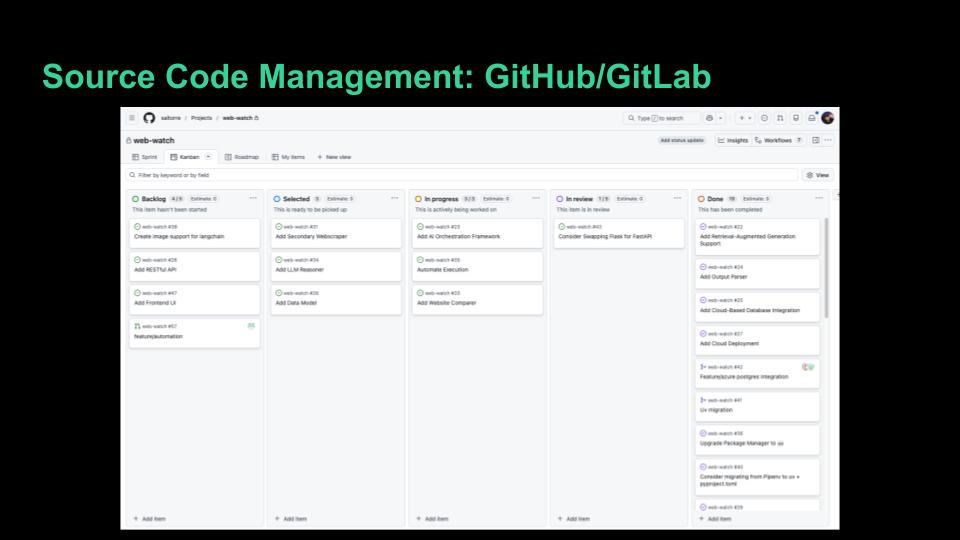
My experience with the students at the university is that they all have GitHub accounts. Only some of them use them. Few of them enter the workforce using them well.
It should be an expectation that students are very proficient with GitHub or GitLab before they graduate so they are ready to contribute code to a team’s repo on day one.
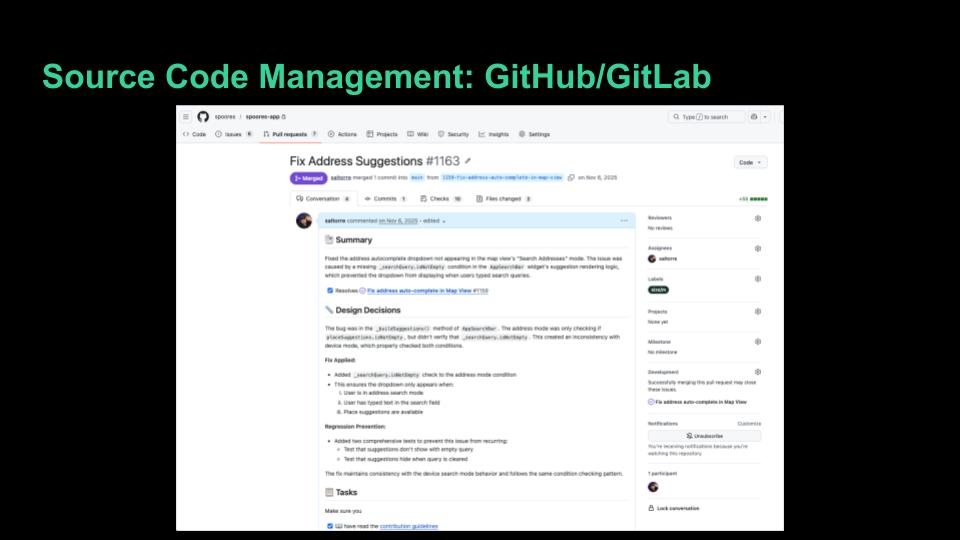
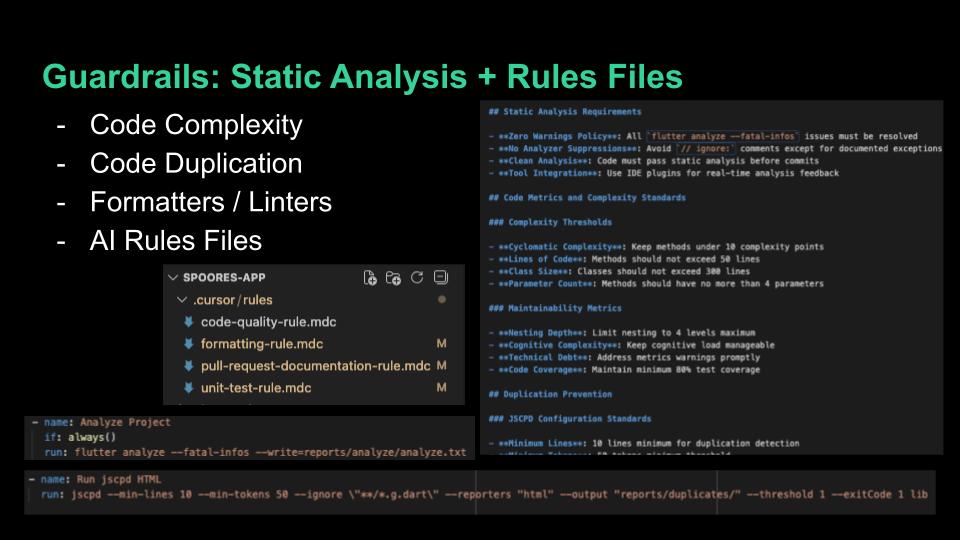
I incorporate static analysis tools in all of my repos to manage code complexity, duplication, formatting, linting, and documentation coverage. These tools are readily available, free, and can be run from the command line. I do not see many students with knowledge of these tools when I first work with them. They should know about them early in their careers to reduce technical debt.
On top of that, we set up rules files to keep the AI in check. These are built-in features for both Cursor and Claude Code. I have a code-quality rule, formatting rule, unit-test rule, and a pull-request documentation rule. You can even ask the AI to make these files for you.
My code quality rule tells the AI things like complexity allowances, duplication limits, performance standards, code organization, and design pattern preferences. The rules tell the AI the standards before it writes a single line, and then we have the AI run the static analysis tools against its own code. It checks its own work.
I’ll be honest though, the AI doesn’t always follow the rules. You often have to remind it. But having the rules documented means you have something to point back to instead of re-explaining your standards every time.
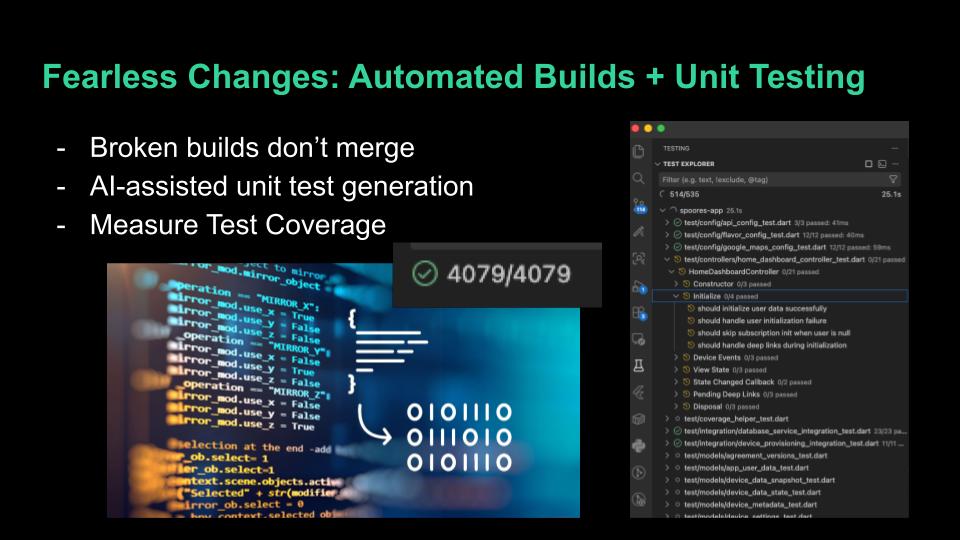
Broken builds don’t get to merge. We use automated builds and Docker to ensure it.
I don’t write unit tests, I tell the AI to do it. This is something engineers too often skip but it isn’t really an added burden thanks to AI. I tell the AI to test not just the happy paths but the edge cases and error conditions. AI often produces more complete testing suites than I ever did.
Even better if you prompt the AI to implement Test Driven Development where it generates the unit tests to the requirements before generating code.
We measure test coverage and strive to keep it very high. If AI makes a sloppy change, we expect to know about it by running our unit tests. AI also has a habit of unexpectedly refactoring code. You ask it to fix one thing and it reorganizes three other files. Without solid test coverage, you might not catch what it broke.
But when you have automated builds and solid test coverage working together, you get something powerful: fearless changes. You can let the AI refactor, restructure, and rewrite, and trust that your pipeline will catch anything that breaks. Keep in mind though that the AI can change the tests too and currently likes to work around challenging test conditions, so we actively need to be a part of that code generation.
I will say that the testing course here at FGCU prepares students well. But some students don’t take it until senior year. I think it should be encouraged earlier. Testing should be an early habit, not something you learn at the end. If students are writing tests from their first projects, it becomes second nature, and that’s exactly what you need in industry and when AI is generating code for you.
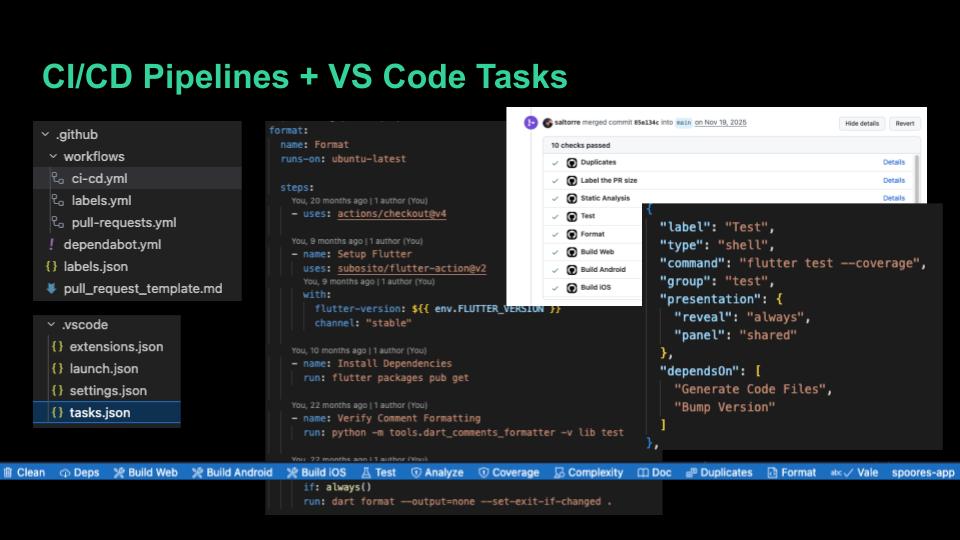
All of those guardrails, builds, and tests get bundled into VS Code Tasks so we can run the full pipeline locally with one click. It’s a tasks.json file that wraps each tool into a clean button at the bottom of the screen.
Those same steps then get bundled into a GitHub Actions workflow that triggers on every pull request. We use branch protections to prevent merges to main when any step fails. When we release code, another workflow handles deployment.
This is your safety net against AI slop. The AI can write whatever it wants, but nothing gets into the main branch unless it passes every automated check.
The students I work with have little to no DevOps and CI/CD pipeline experience when I first start working with them. It has become an essential tool for us and is an industry best practice. It applies across all types of software development: embedded, backend, mobile, web. It should be built into projects from the beginning and come early in the curriculum.
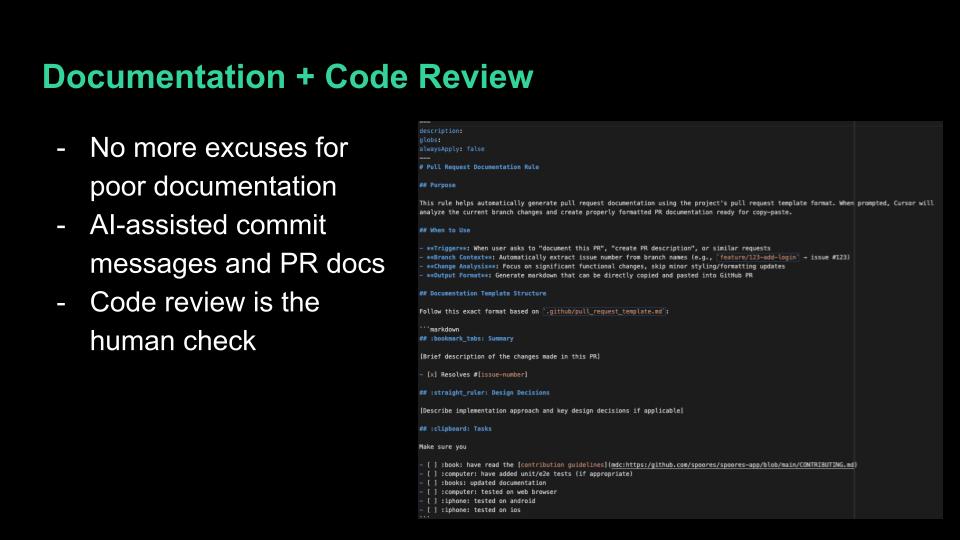
AI is an equalizer when it comes to documentation. There is now no excuse not to have documentation at every level: repo, file, function, variable. A short prompt keeps it all up to date. I use documentation coverage tools to verify it and the AI to periodically review areas that deserve attention. AI also generates my commit messages and pull request documentation far better than I was doing manually.
Code review is the final human check. The pipeline catches the mechanical issues, does it build, do the tests pass, is it formatted correctly. Code review is where you ask: does this approach make sense? Is this the right solution? Is the documentation accurate?
This is where your technical knowledge still matters most. You may not be writing the code, but you need to understand it well enough to judge it.